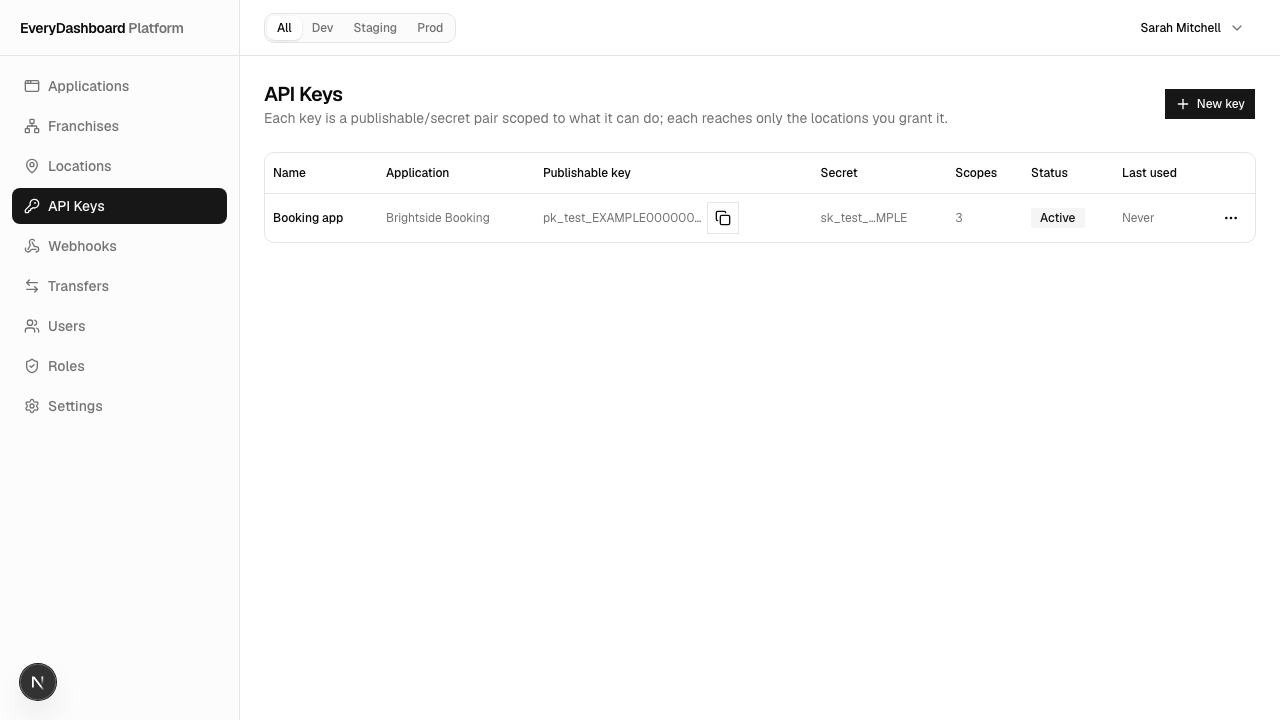
Keys
Two keys per pair — one you can publish, one you absolutely can't. Where they come from, how to use them, and how to keep them safe.
Sarah's booking app needs to talk to the API without a person signed in — to check slots, to save a booking. That's what a key is for: it identifies the software, not a person.
Every key comes as a pair:
| Looks like | Where it may live | |
|---|---|---|
| Publishable | pk_live_… / pk_test_… | Anywhere, including code a browser downloads. Read-only. |
| Secret | sk_live_… / sk_test_… | Your server. Nowhere else. Does everything you granted. |
The live or test half comes from the environment the key belongs to (its
production flag), so a key announces which estate it belongs to at a glance. See
Environments.
Where keys come from
API Keys → New key in the dashboard. Pick the environment, name the key after what will use it, and tick what it's allowed to do.
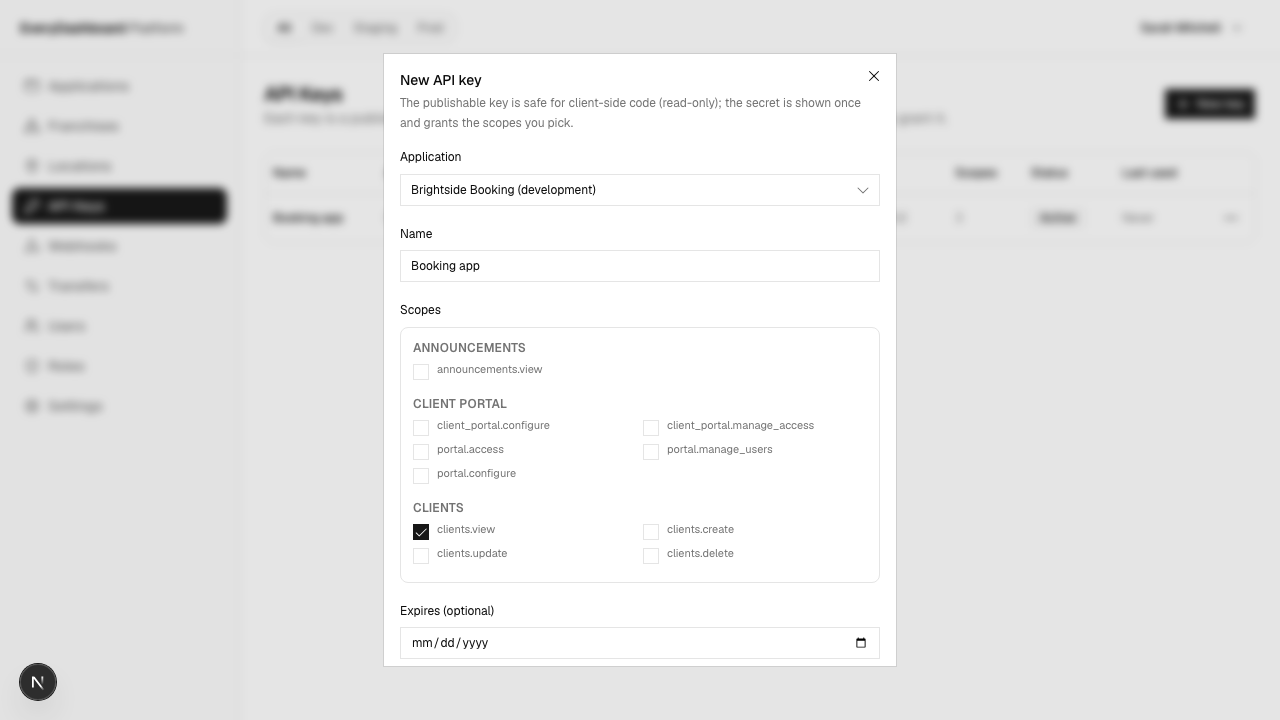
The secret is shown once, when you create it. It's stored as a hash, so nobody including us can retrieve it afterwards. Full walkthrough in Get a key.
Letting it in
A brand-new key reaches no sites at all. Until you grant it, every request about
customers returns 403.
That's the key's Access action, where you tick sites or a whole group. Details in Working with sites.
Using one
Only the publishable key, and only for reading:
const response = await fetch(
  'https://api.hyphabase.com/api/modules/clients',
  {
    headers: {
      Authorization: 'Bearer pk_live_xxx',
      'X-Location-Id': locationId,
    },
  },
);
Its permissions are capped to read-only on our side, on every request. Even if the key
was granted clients.create, a pk_ presenting it can't create anything. So
publishing one discloses what you were already showing, never a way to write.
Right for a public price list or available slots. For anything a signed-in person does, use their session — see Browser apps.
Rotating
Rotate secret, from the key's row. It issues a new secret and keeps the name, scopes and access. The publishable key doesn't change.
Rotate when someone with access leaves, when a secret might have been logged, and on a schedule you decide in advance rather than after an incident.
The old secret stops working immediately. If you can't tolerate a gap, deploy the new one first — or run two keys and retire one, which is the calmer approach for anything customer-facing.
Keeping them safe
- Environment variables or a secret manager. Never a repository, never a committed config file.
- Never log the
Authorizationheader. Redact it in your HTTP client, rather than remembering not to at each call site. - One key per job. Sarah's booking page, reminder job and accountant export each have their own. Revoking one then doesn't take down the others, and a leak is bounded to one job's permissions.
- Scope narrowly. A key that can only read customers can't issue a refund, whoever finds it.
Revoking
Delete, from the key's row. Requests with it start failing 401 immediately.
The record stays, marked revoked, so you keep the audit trail of what existed and what it could do.