Sign up
One form gets you a company, an owner login and three ready-made staff roles.
Sarah is signing Brightside Cleaning up. One form.
Fill it in
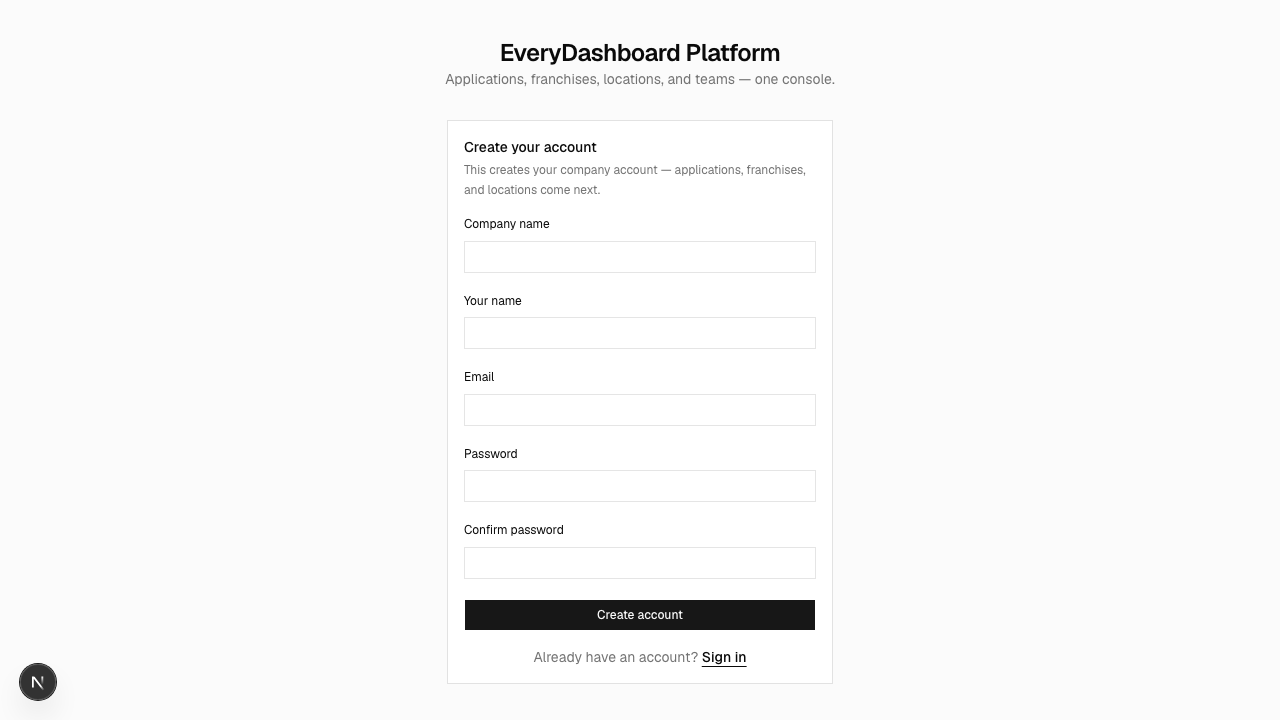
| Field | What to put |
|---|---|
| Your name | Sarah Mitchell. You become the owner. |
| Company name | Brightside Cleaning. This is the company everything else hangs off. |
| What you'll sign in with. One company per address. | |
| Password | At least 10 characters. Length beats punctuation — a passphrase is ideal, and there are no rules about digits or symbols. |
In production, passwords are also checked against lists of passwords known to have leaked, so a common phrase gets rejected even at sufficient length.
What just got created
Three things, which is less than most people assume:
- Brightside Cleaning, the company.
- Sarah, as its owner — able to see and do everything within it.
- Three staff roles, ready to hand out: Franchise Owner, Franchise Manager, Franchise Employee.
It did not create an app, a group, a site, or any keys. Those are the next four steps. Nothing is guessed on your behalf, which means nothing surprising appears in your account later.
Signing in afterwards
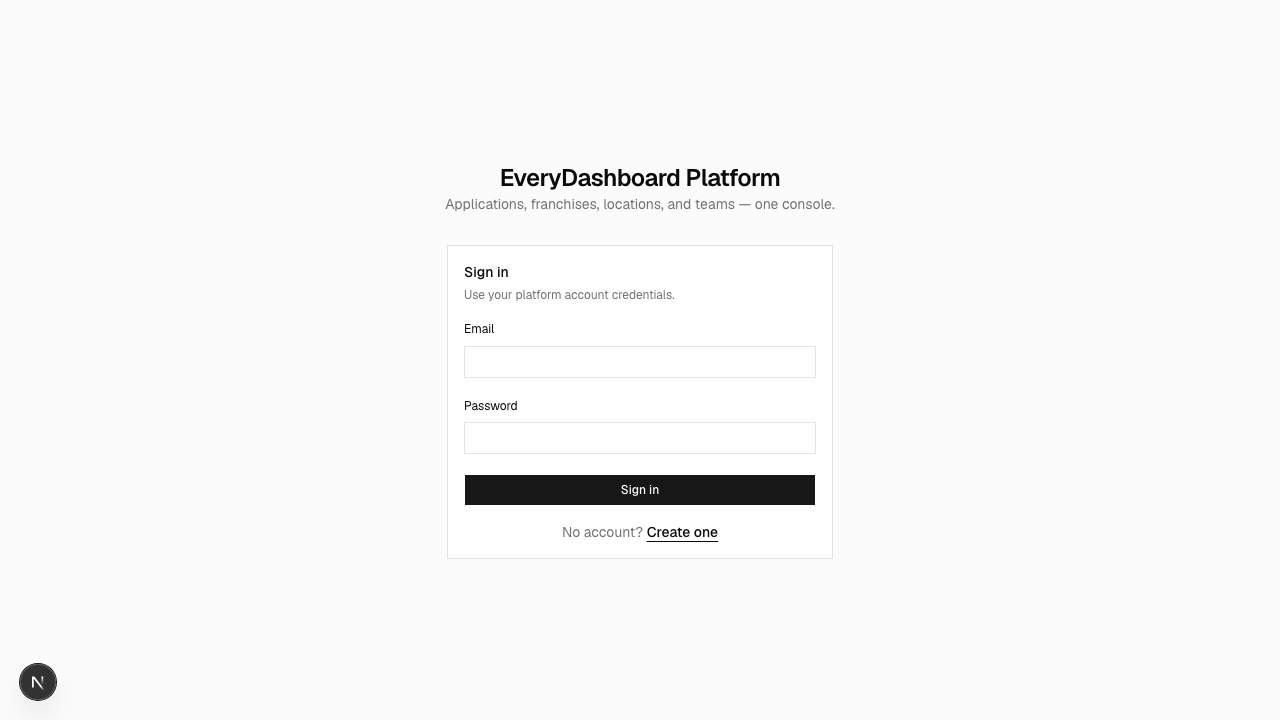
Sessions last two hours. Sign-in is limited to five attempts a minute per email address, so if you're locked out, wait rather than retrying.
Adding other people later
Sarah is the only account for now. When she hires a Portland manager she'll add him here rather than sharing her own password — see Staff and roles.