Staff and roles
Sarah, her Portland manager, and her cleaners. Who can open a site, and who sees which customers.
Sarah is the owner and can do everything. Dev manages Portland and shouldn't see Salem. Marcus cleans houses and only needs his own rounds.
These are staff — your people, running the business through the dashboard. They're distinct from the customers who book with you, and from the keys your software uses.
All of this is dashboard work. It isn't something your product does at runtime, so there's nothing to integrate here — it's a page you visit when someone joins, changes role, or leaves.
Adding someone
Users → New user.
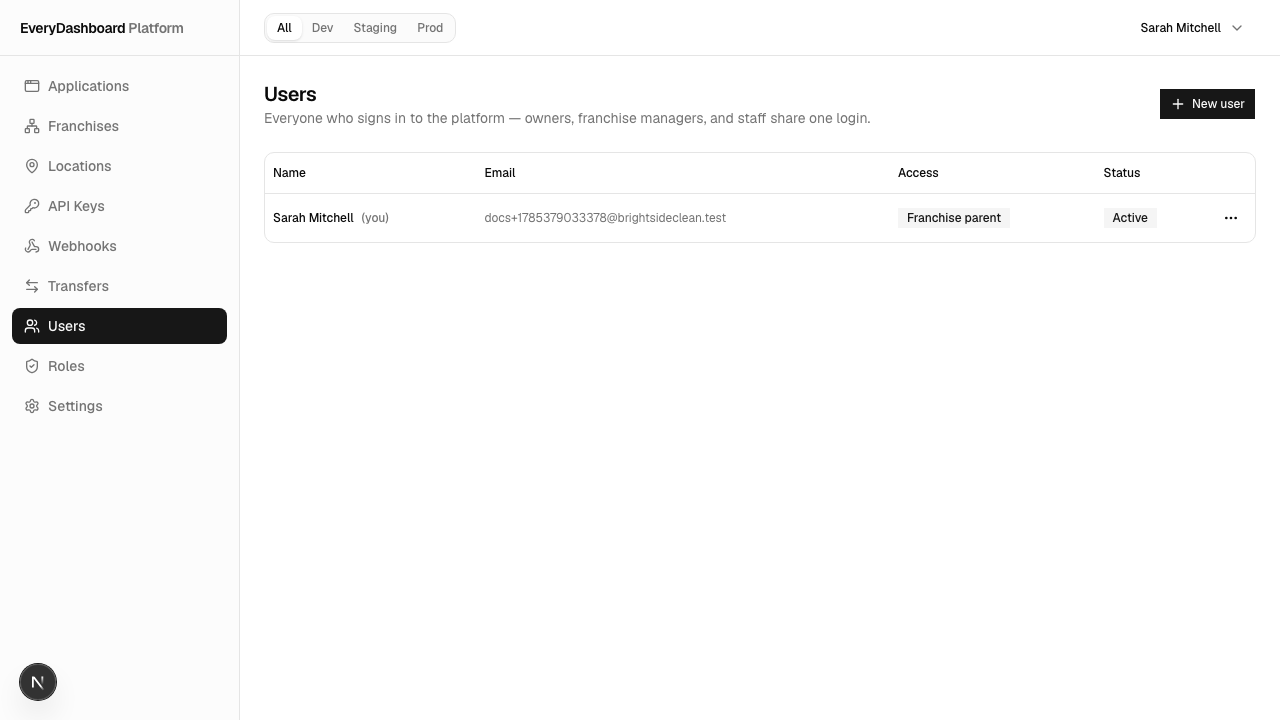
You give them two things: a role, which says what they can do, and an assignment, which says where.
Roles
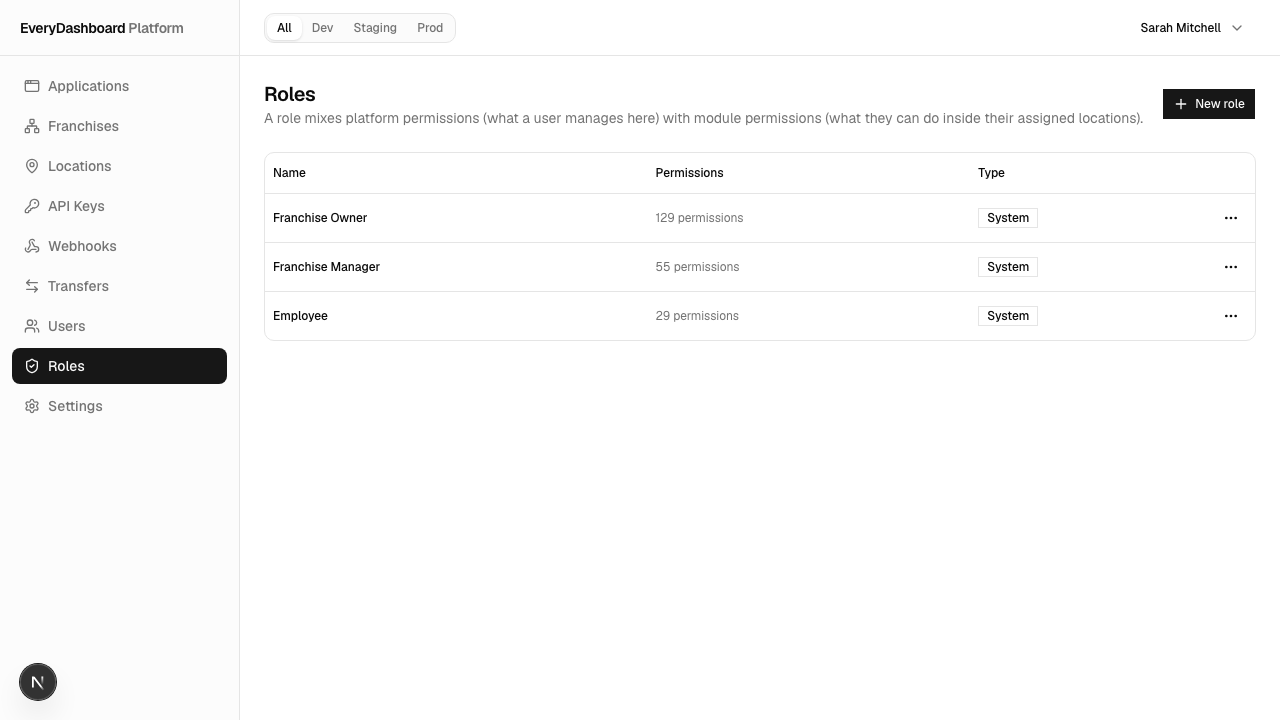
Roles in the sidebar. Three are ready when you sign up:
| Role | Roughly |
|---|---|
| Franchise Owner | Runs a patch: opens sites, manages keys and people within it |
| Franchise Manager | Runs the day-to-day of assigned sites |
| Franchise Employee | Does the work — sees their own schedule and the customers they visit |
A role mixes two kinds of permission, and it's worth knowing they're different:
- Running the business — who can open a site, issue a key, add staff. This is dashboard capability.
- Working inside a site — read customers, create bookings. This is what they can do with the data.
So "Franchise Manager" can be someone who books jobs all day but can't issue an API key.
Assignments: role plus patch
A role on its own doesn't say where. An assignment does.
Sarah gives Dev the Manager role, over Oregon, and ticks Portland. Dev sees Portland. Not Salem — even though Salem is in Oregon too — because she didn't tick it.
No sites ticked means no sites
Not "all of them". Consider the alternative: the day Sarah removes Dev's last site, an "empty means everything" rule would silently hand him the entire company. So empty means empty — and full access is a deliberate setting on Sarah's own account, never inferred from having no assignments.
One more guard: someone restricted can't create staff with wider reach than their own. If you're restricted, adding a person requires giving them an assignment at the same time.
Staff working inside a site
A staff member signed into the dashboard can also work with business data for the sites they're assigned to — Dev's screens read Portland's customers using the session he already has. No second set of credentials per site.
Behind that, a mirrored user is created inside the site's own database the first time they access it, carrying the permissions from their role. Removing an assignment deactivates that mirror, so access genuinely stops rather than lingering.
Staff or a key?
The distinction matters when you're deciding what your software should use.
| A staff member | A secret key | |
|---|---|---|
| Represents | A person | Your software |
| Lasts | A session | Until rotated |
| Reaches | Their assigned sites | The key's granted sites |
| Right for | Dashboards and admin work a human drives | Background jobs, integrations, webhook handlers |
Don't put a staff member's credentials in a server job. That's what keys are for, and a key keeps working after that person leaves. If you find yourself scripting against a person's login, you want a key.