Get a key
Two keys, one shown only once, and the step everybody forgets — letting the key into your site.
Two forms here, because they belong together. Making a key and letting it into a site are separate, and a key without the second is useless.
This is where the dashboard hands over to the API: the key you get here is the credential your app uses from now on.
API Keys → New key
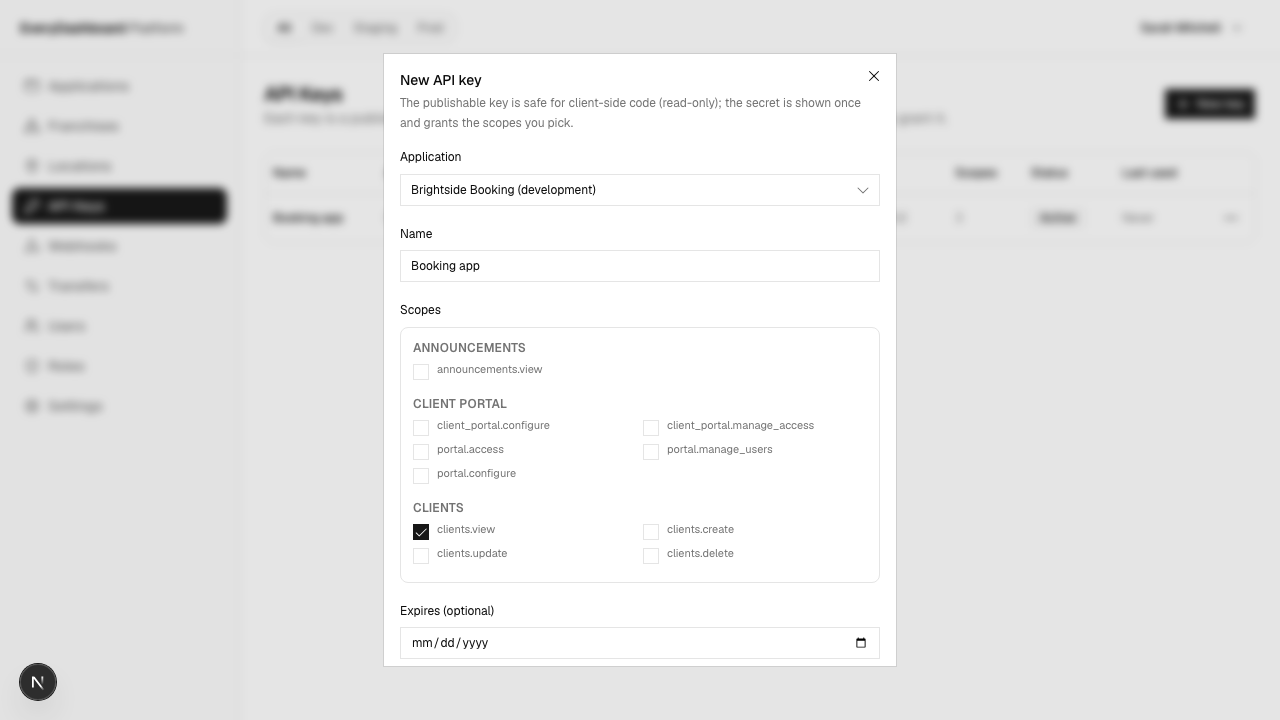
| Field | What to put |
|---|---|
| Application | Brightside Booking. The key can only ever reach sites in this app. |
| Name | Name it after what will use it — "Booking app", "Sunday reminder job". "API key 3" tells you nothing when you're deciding whether it's safe to revoke. |
| Scopes | What it's allowed to do. Sarah ticks clients.view and clients.create — enough for her booking form, nothing more. |
| Expires | Optional. Worth setting for anything temporary, like an accountant's export. |
Scopes are grouped by module, and the list is generated from what the API will actually accept — so you can't pick something that doesn't exist.
Copy the secret. Now.
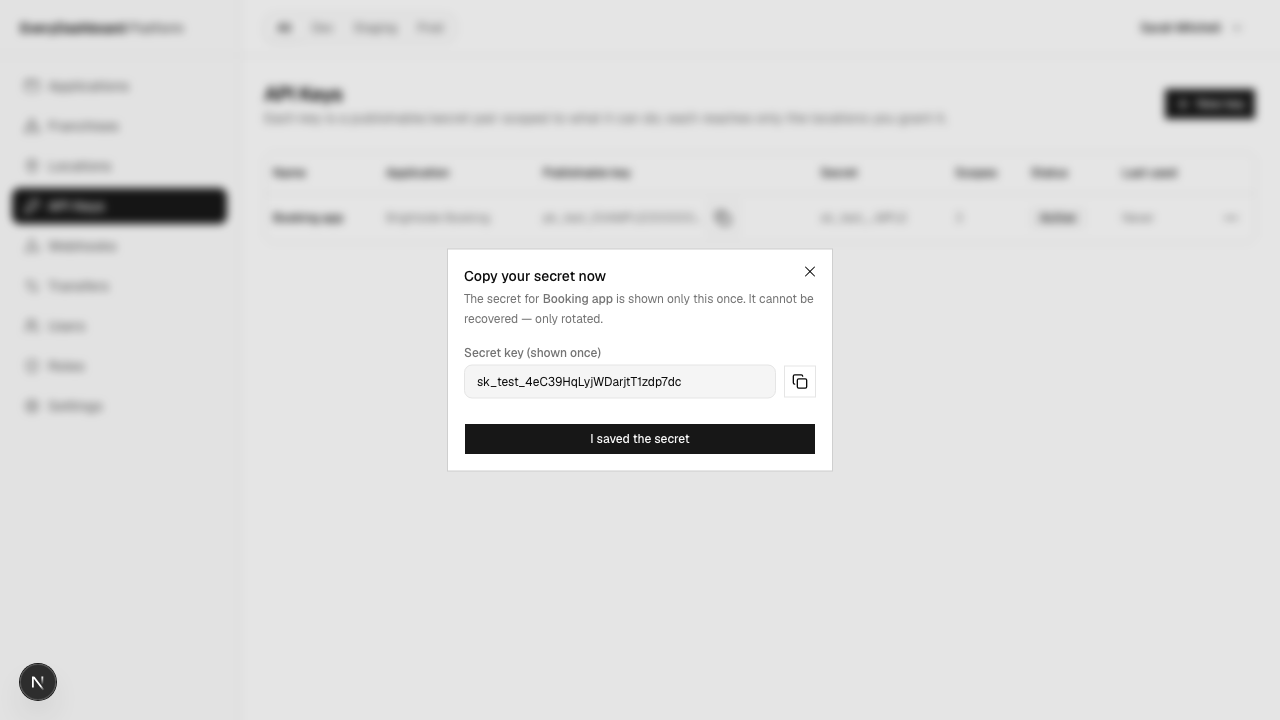
The secret appears here and nowhere else, ever
Only a hash of it is stored, so it can't be shown again — not in the dashboard, not by us, not by asking nicely. Copy it into your secret store before closing this dialog. If you lose it, your only option is to rotate, which invalidates the old one.
export HYPHABASE_SECRET_KEY="sk_test_..."You get two keys:
| Looks like | Where it may live | |
|---|---|---|
| Publishable | pk_test_… | Anywhere, including code a browser downloads. Read-only, enforced on our side. |
| Secret | sk_test_… | Your server. Nowhere else. Does everything you granted. |
Where it can go
A new key reaches every site in its environment — Portland now, and Salem and Eugene when Sarah opens them next year — so the first call just works. Narrow it when a key should see less than everything:
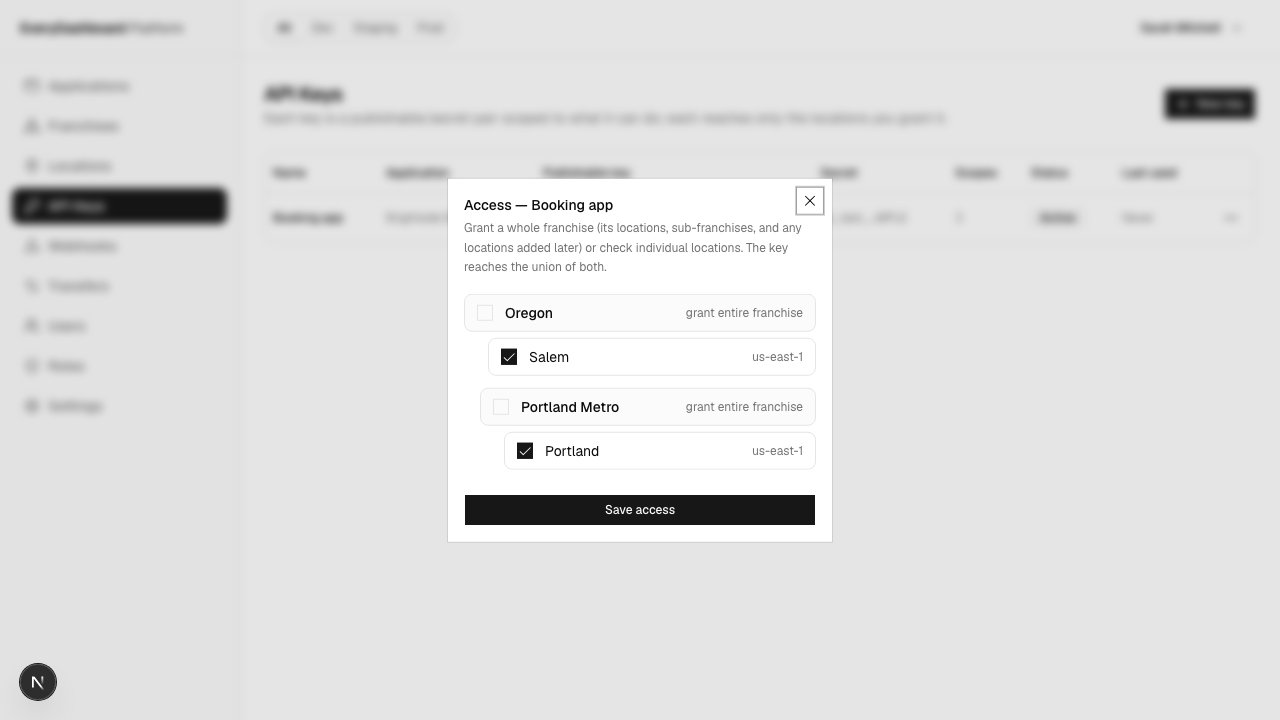
Two ways, and they add together:
Tick individual sites. Good when the list is short and stable — the accountant's export key only ever needs Portland.
Tick a group. Grant Oregon and the key follows the group as it grows. This is what every key starts with: the environment's default group.
A key that has been narrowed away from a site answers:
{ "message": "This API key does not have access to the requested location." }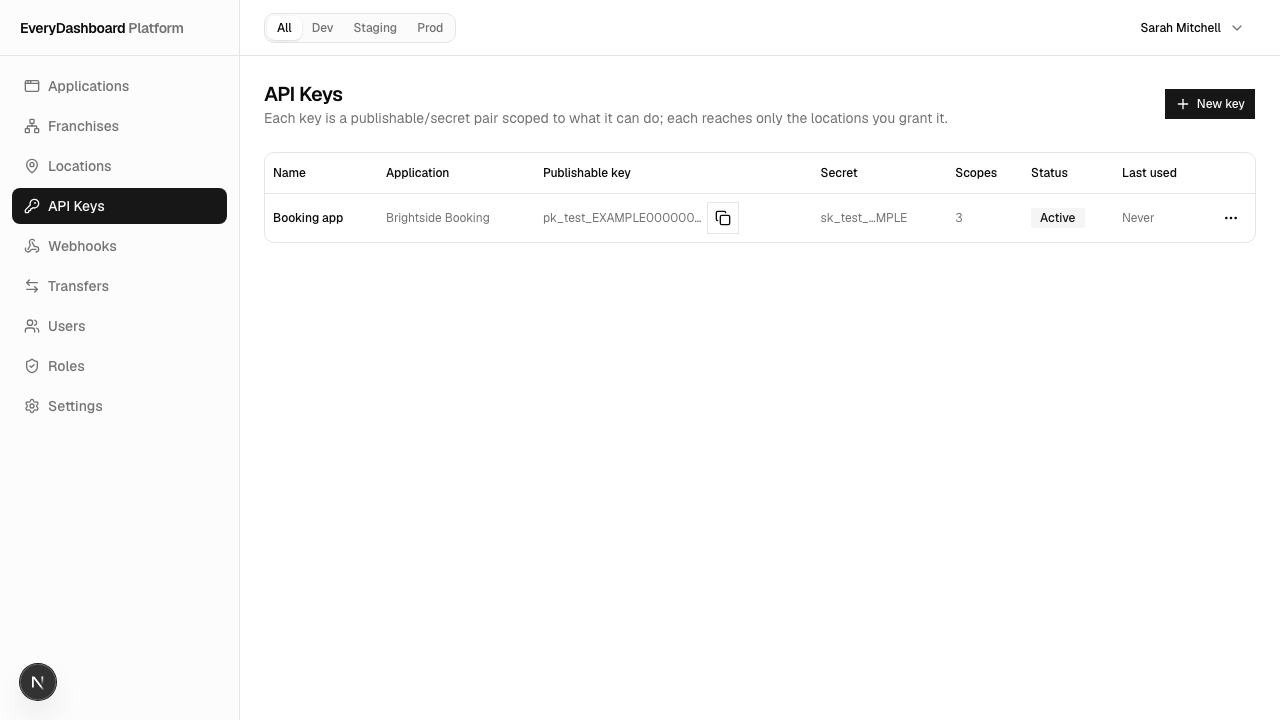
How to think about scopes
Give each key the least it needs, and make more keys rather than one broad one. Sarah ends up with several:
| For | Scopes |
|---|---|
| The public booking page | services.view, schedules.view — used as a pk_ key |
| The booking form's server side | clients.view, clients.create, schedules.create |
| The Sunday reminder job | clients.view, schedules.view, notifications.create |
| Her accountant's export | payments.view, expiring in 90 days |
Then revoking one doesn't take everything else down, and a leaked key is bounded to one job's permissions. Who can do what goes into this properly.
Rotating and revoking
Each key's row has Rotate secret and Delete.
Rotating issues a new secret and keeps the name, scopes and access. The old secret stops working immediately, so deploy the new one first if you can't tolerate a gap.
Deleting revokes the key — calls with it start failing 401 straight away. The record
stays, marked revoked, so you keep the history of what existed and what it could do.